Guide pages
A single QR code plays the audio you pick, one after another. Visitors only see the audio you add here, not everything in your storage.
![]() First page
Closed
Listening limits
QR for this page
wemakevoice.com/audioguide/expo/
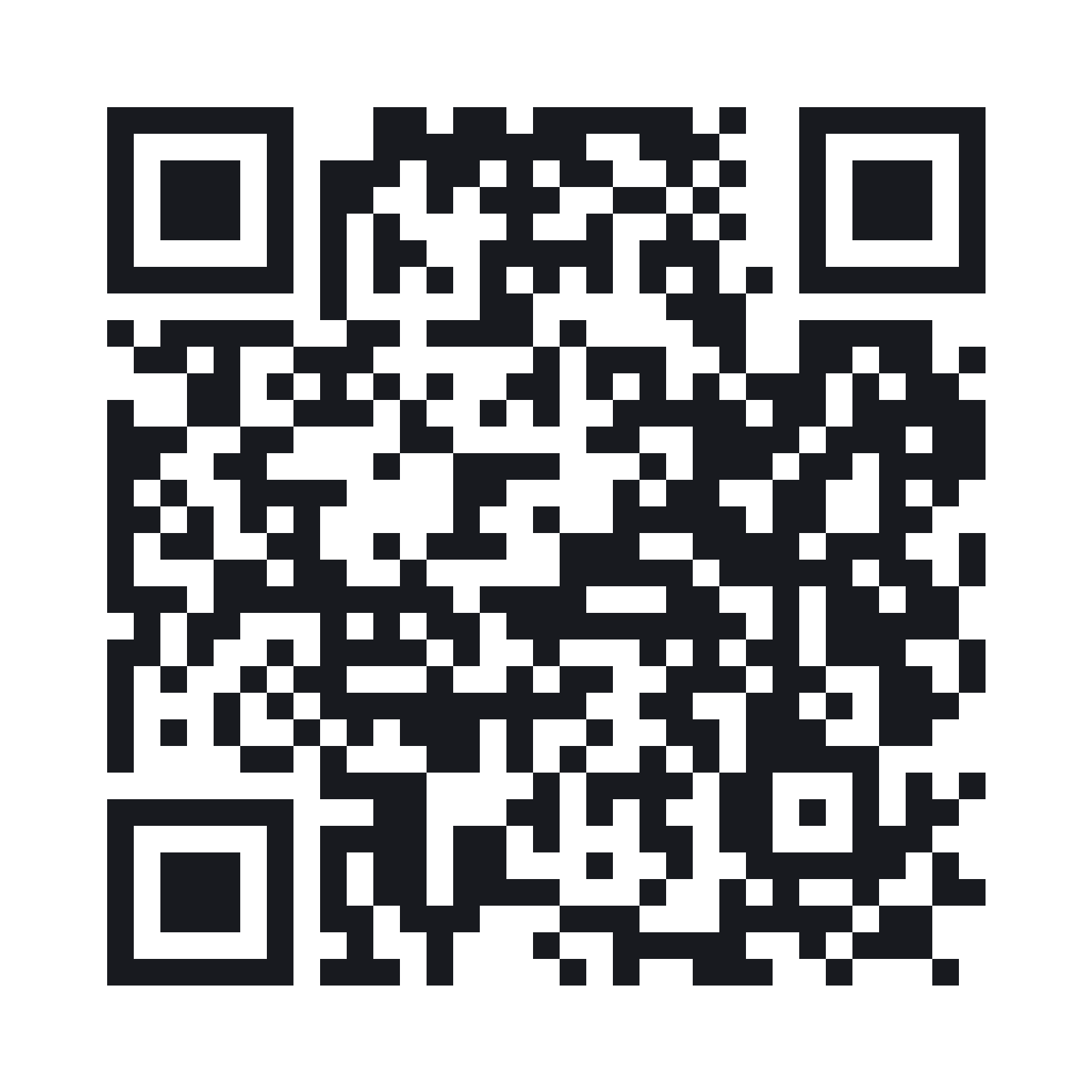
Scan this QR with your phone camera to check the visitor screen yourself.
Open to visitors
When off, visitors who scan the QR see a paused notice.
Title
Audio to play 0
No artworks to play yet. Use [Add artworks] to enter an artwork name and description, or [Choose audio] to pick audio you've made. Audio you don't pick isn't shown to visitors.
More options Dark mode · Description · Other languages · Listening limits
Dark mode
When on, visitors who scan the QR see this page and its audio screens in dark mode.
Description
Titles and descriptions in other languages are translated automatically when you make this page's audio in those languages.
Other languages
Listening limits
Listening time
Closed days
Set at least one date or time for this to apply.
Radius
Visitors' locations are compared only on their own phones — we never receive or store them. Indoors, accuracy varies, so it may also play around the building.
Websites can't read Wi-Fi names (phone security). Type the name exactly as it appears in your phone's Wi-Fi list.
Press this while connected to the guest Wi-Fi. We remember that Wi-Fi's internet address (IP), so places sharing the same internet connection (like other shops in the same building) may also pass, and if you change your internet line you'll need to register again. After registering, open the QR on a phone connected to the guest Wi-Fi to check.
Turn off any VPN or iPhone 'iCloud Private Relay' while registering. Don't use this with a mobile hotspot (LTE router) Wi-Fi — many people share the carrier's address, so it may also play outside.
Opening in a private window or on another phone starts a new listening time. Run dates and hours apply to everyone.
Audio clips: 5
Set the photo, English version, and link button for each audio. Choose which page it goes on in [Guide pages].
![]() 부스에 오신 것을 환영합니다
0:36 · 안녕하세요, 스마트 리빙 테크 부스에 오신 것을 환영합니다. 지금 들으시는 오디오 가이드는 앱을 설치하지 않아도 휴대폰 카메라로 QR을 찍기만 하면 바로 재생됩니…
Enter artwork name
Title
If the Korean title is empty, the storage box name is shown.
Included in guide pages
Not on any guide page. It opens only through its own QR code (Studio storage → [QR code]).
More options Other languages · Link button
Other languages 0
We translate the Korean script and record it in the voice you pick. Visitors hear it automatically in their phone's language.
Link button
![]() AI 홈 로봇
0:36 · 첫 번째 전시물은 가족의 하루를 돕는 AI 홈 로봇입니다. 이 로봇은 집 안 구조를 스스로 익히고, 식구마다 다른 생활 습관을 배워서 필요한 순간에 먼저 움직입니…
Enter artwork name
Title
If the Korean title is empty, the storage box name is shown.
Included in guide pages
Not on any guide page. It opens only through its own QR code (Studio storage → [QR code]).
More options Other languages · Link button
Other languages 0
We translate the Korean script and record it in the voice you pick. Visitors hear it automatically in their phone's language.
Link button
![]() 자율주행 전기 콘셉트카
0:36 · 이 차는 도시 생활을 위해 설계한 자율주행 전기 콘셉트카입니다. 운전할 필요가 없는 순간에는 앞좌석이 뒤로 돌아가, 네 사람이 마주 앉는 작은 라운지가 됩니다. …
Enter artwork name
Title
If the Korean title is empty, the storage box name is shown.
Included in guide pages
Not on any guide page. It opens only through its own QR code (Studio storage → [QR code]).
More options Other languages · Link button
Other languages 0
We translate the Korean script and record it in the voice you pick. Visitors hear it automatically in their phone's language.
Link button
![]() 실시간 번역 AR 글라스
0:33 · 지금 보시는 안경은 대화를 실시간으로 번역해 눈앞에 자막으로 보여 주는 AR 글라스입니다. 상대가 다른 언어로 말하면, 그 말이 일 초 안팎으로 내 언어 자막이 …
Enter artwork name
Title
If the Korean title is empty, the storage box name is shown.
Included in guide pages
Not on any guide page. It opens only through its own QR code (Studio storage → [QR code]).
More options Other languages · Link button
Other languages 0
We translate the Korean script and record it in the voice you pick. Visitors hear it automatically in their phone's language.
Link button
![]() 홈 에너지 배터리
0:37 · 마지막 전시물은 집 전체의 에너지를 관리하는 홈 배터리입니다. 낮에는 지붕의 태양광 기와가 만든 전기를 저장하고, 전기 요금이 비싼 저녁 시간에 꺼내 사용합니다.…
Enter artwork name
Title
If the Korean title is empty, the storage box name is shown.
Included in guide pages
Not on any guide page. It opens only through its own QR code (Studio storage → [QR code]).
More options Other languages · Link button
Other languages 0
We translate the Korean script and record it in the voice you pick. Visitors hear it automatically in their phone's language.